
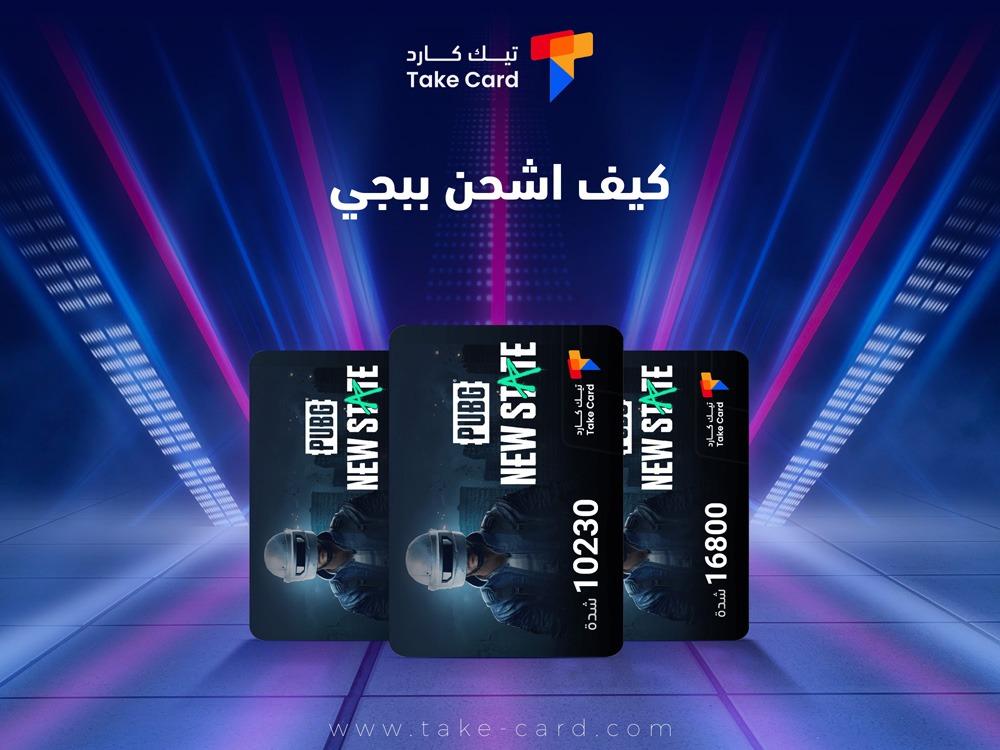
Have you ever wondered how to top up your PUBG Mobile account in a safe and easy way without falling prey to unsafe websites or misleading offers? Many players are constantly searching for the fastest ways to get PUBG Mobile UC or increase their popularity points, but they struggle to choose the best option that combines security with a reasonable price. Some might risk trying unofficial methods, only to be surprised by losing their account or money. This is why a clear guide is essential.
In this article, you'll find everything you need to understand how to top up your PUBG Mobile accounts in a practical and safe way. We'll review the official methods approved by the game itself, explain the advantages of each method, and highlight trusted stores and digital products that allow you to quickly and easily top up your UC.
How can I recharge PUBG safely and in the best ways?
When many people search for the answer to the question "How do I top up my PUBG account?", the first step is to learn about the official and reliable methods that ensure the security of your account and prevent any unexpected hacking or bans. Using these methods protects your data and provides a smooth and safe gaming experience.
What are the official methods?
If you're wondering how to top up your PUBG account the right way, here are the most prominent official options available:
- The official website for charging PUBG UC is like the Midasbuy platform, which is the most popular among players.
- Digital gift cards, such as the 660 card, can be purchased from authorized stores.
- Payment via credit cards such as Visa or Mastercard.
- Use Google Play or Apple Store credit to top up your account.
- Local payment is made through certain stores or companies that have obtained an official license.
How do I use the official website?
To give a clear answer to your question about how to top up PUBG through an official website like Midasbuy, you can follow these steps step by step:
- Access the official shipping website such as Midasbuy.
- Enter your account's player ID accurately.
- Choose the number of UC or popularity you wish to ship.
- Choose the payment method that suits you best, whether it is a bank card, digital card or store balance.
- Complete the payment process so that the balance is received directly and instantly within the game.
What is the difference between direct payment and digital cards?
If you're wondering how to top up your PUBG Mobile account using either direct payment or digital cards, the main difference lies in the speed and method. Direct payment via credit card or store balance is instant, and the funds are automatically added to your account. However, when using a digital card, you first need to purchase a top-up code, which you then enter later on the official website or within the game to activate the funds.
What are the advantages of digital recharge cards?
When comparing the available options for how to top up your PUBG Mobile account, digital cards seem to be a favorite among many due to their advantages. They offer a high degree of security and privacy, eliminating the need to enter your bank details directly. They are also a flexible method that can be easily used to gift money to friends. Furthermore, they sometimes offer promotions and discounts, making them an economical option. However, it's important to note that they may not always be available in all regions or stores.
Thus, the charging methods become clear to you, and all you have to do is choose the most suitable method from among the official ones to ensure a distinctive and safe experience whenever you wonder: How do I charge PUBG?
What are the best PUBG Mobile recharge cards available?
If you're wondering how to top up your PUBG account quickly and securely, the solution lies in digital top-up cards available through the TechCard store . These cards allow you to receive your balance instantly, with multiple payment options and complete fraud protection, along with regular discounts and 24/7 customer support. Find them in the game top-up section :
PUBG Mobile UC Card – 660 UC
The 660 PUBG UC (Unknown Cash) digital card from Midasbuy gives you 660 UC in PUBG Mobile, delivered instantly via email or SMS after payment is completed on the Midasbuy website. Using it is very simple; all you have to do is go to the official Midasbuy website, enter your player ID, and then the card code to activate it.
With this card, you can purchase exclusive clothing, unique weapons, and accessories that personalize your in-game characters, as well as open rare crates and actively participate in events.
PUBG Popularity Support Card – 100,000 Popularity
If you're looking to boost your in-game visibility and increase your ranking, the PUBG Popularity Support Card (100,000) is the perfect option. This card is topped up via your ID number and activated within 1 to 6 hours, with full activation guaranteed in less than 24 hours.
Its advantages are numerous: it gives you the opportunity to significantly raise your account rating, makes it easier to join stronger teams, and allows you to participate in special events.
How do I use a digital PUBG Mobile UC card?
After purchasing a 660 PUBG Mobile UC digital card from TechCard or another trusted online store, you will receive a recharge code directly. To use it successfully, follow these steps carefully:
- Access the official shipping link.
- Enter your game account ID number.
- Write down the card code you received after the purchase.
- Press the "OK" button to confirm the operation.
It is important to make sure that the ID number is written correctly so that you do not encounter any problem during shipping, and the card code must be kept confidential until the shipping is fully completed.
How do I use the code on the official website?
When you enter the PUBG UC card code on the official website or even within the game itself, the UC is immediately added to the account automatically, and you will not need any additional steps.
How do I verify that the shipment was successful?
To confirm the successful top-up, you can check your game account and your UC balance, which should be updated immediately after successfully entering the code. You may also see a message on the website confirming the transaction. If you encounter any problems, you can contact TechCard customer service or official PUBG support 24/7 for prompt assistance.
Frequently asked questions about how to top up PUBG
How can I top up my PUBG balance?
You can top up your PUBG balance by going to the official website or the PUBG code activation page, then entering your account ID number, then writing the code of the recharge card you received, and finally clicking on the Redeem option to add the UC directly to your account.
How to recharge PUBG cards?
To top up PUBG cards, simply go to the official website dedicated to topping up, then enter your ID number in the game, and after making sure that the correct player name appears, write the PUBG card code accurately, and then confirm the process so that the balance is added immediately without any delay.
How do I recharge PUBG using a code?
After purchasing a PUBG recharge code, go to the Midasbuy website or the game's code redemption center, then enter your ID number in the designated field, then enter the recharge code and press to complete the process, so that the balance is added to your account immediately.
In the end, your question “How do I recharge PUBG?” has become simpler to answer than ever before. With official recharge methods and reliance on trusted digital cards from stores like TechCard, you will enjoy a smooth gaming experience, faster response times in confrontations, and peace of mind thanks to the security and reliability that these methods provide.
Read also: How to strengthen heroes in Marvel games